
Cademy changelog
💬 Course Facilitators vs Admin Email Recipients
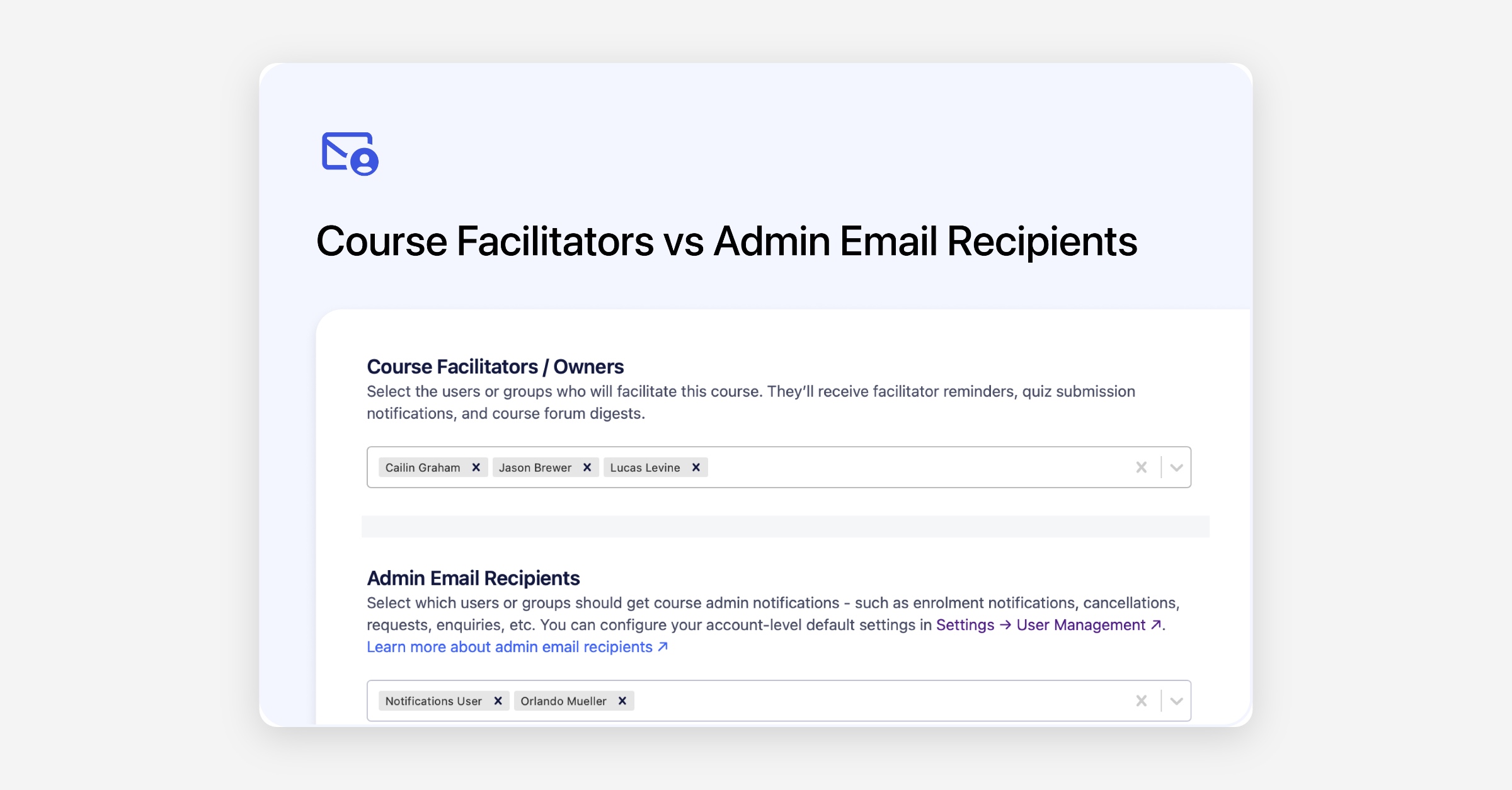
Cademy now separates notifications into two distinct roles, so the right people always get the right information:
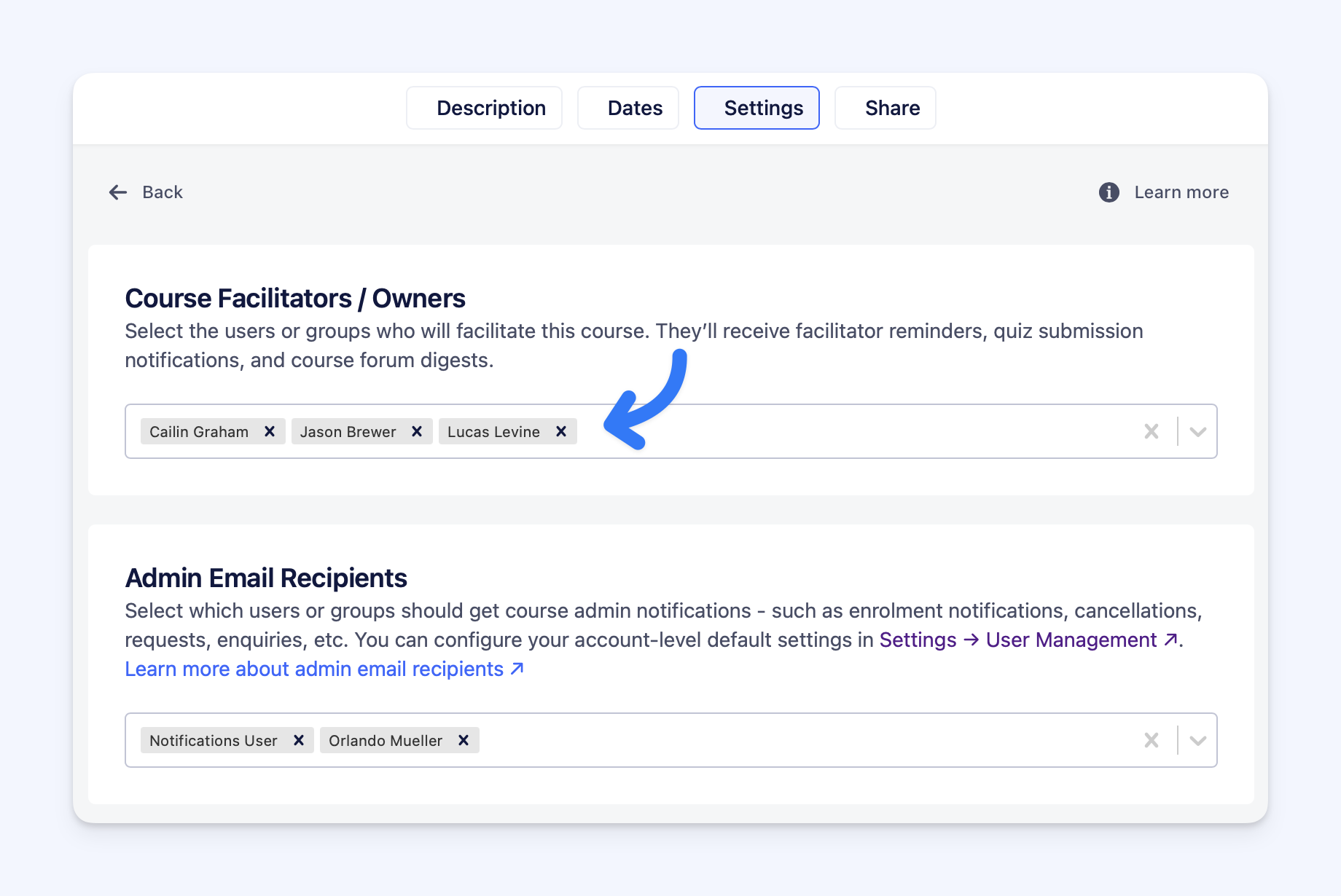
👩🏫 Facilitators / Owners
Receive course-related notifications such as quiz submissions and forum updates for the courses they teach or manage.
Set per course: Course Editor → Settings → Course Owners → Private Tuition Facilitators / Owners
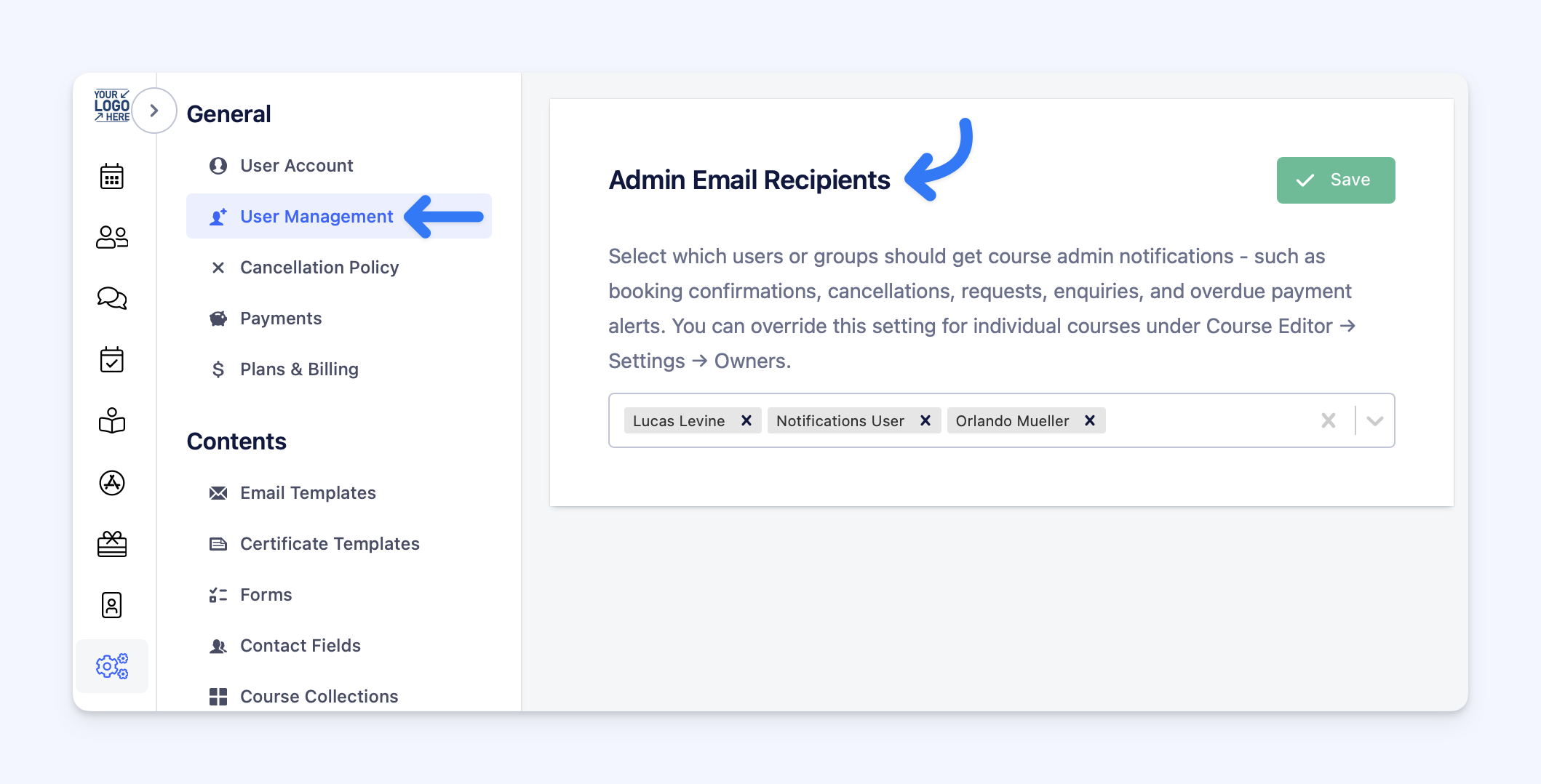
🏢 Admin Email Recipients
Receive business and administrative notifications such as bookings, cancellations, payments, and enquiries.
Set per course: Course Editor → Settings → Course Owners → Admin Email Recipients
Account-wide: Settings → User Management → Admin Email Recipients
💡 If no Admin Email Recipients are set, all users with the Admin role will receive admin notifications - ensuring nothing gets missed.